Shopify Product Image Size for Jewelry: Dimensions, Formats and Settings That Keep Every Piece Sharp
The product image size Shopify recommends, why jewelry needs room to zoom, which aspect ratio to pick, image order, alt text, variant photos and a checklist for every listing.
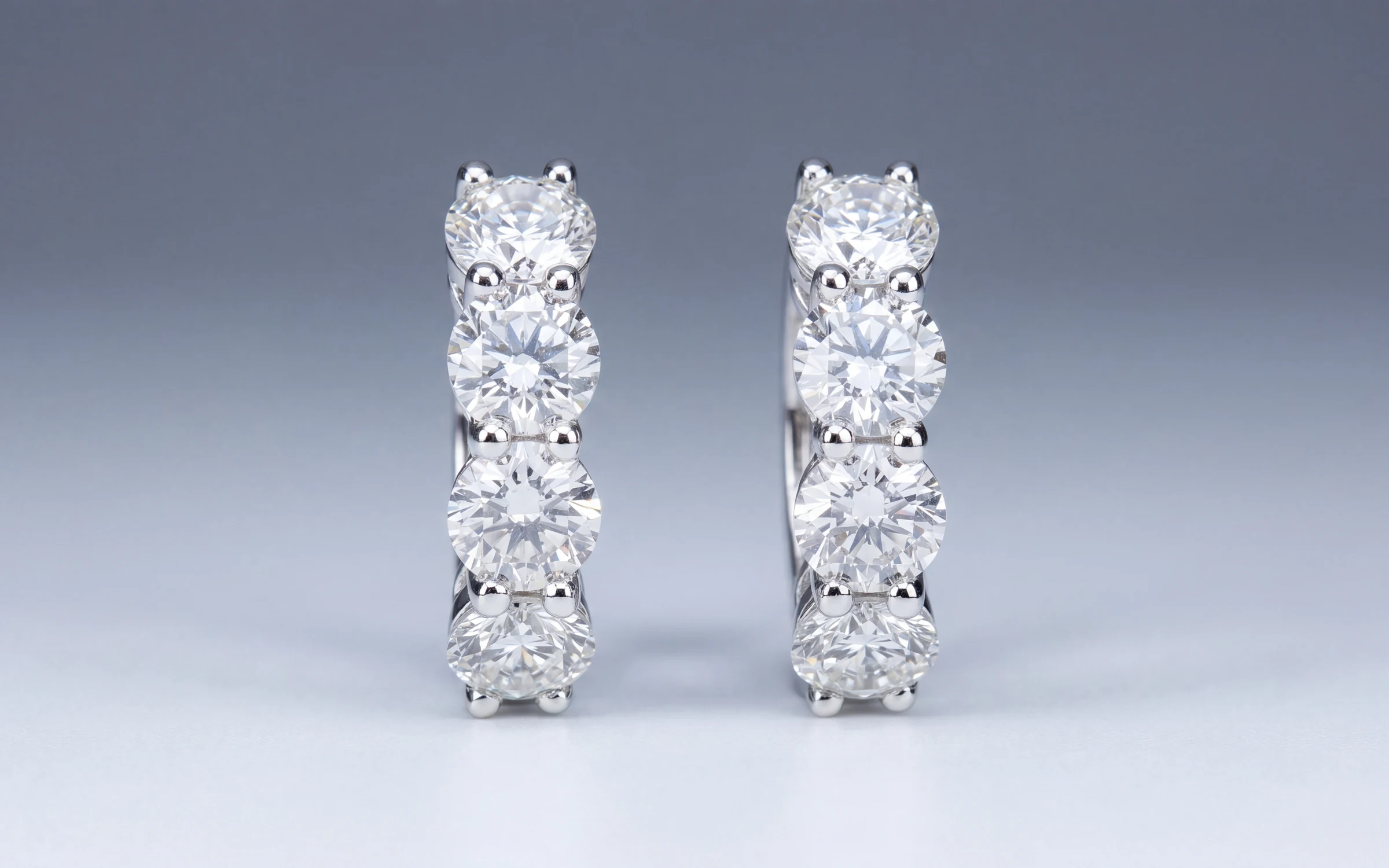
Jewelry is sold on detail. A customer deciding on a ring online wants to zoom in on the prongs, check the halo for missing stones and see whether the band is polished or brushed. If the photo goes soft at the first pinch on a phone, the sale usually goes with it.
Shopify is forgiving about what you upload, which is part of the problem. It will take a 600 pixel phone crop and a 5000 pixel studio file with equal calm, and a collection page mixing the two looks like a garage sale. This guide covers the numbers Shopify publishes, the settings that matter most for jewelry, and a checklist you can run on every listing.
The numbers Shopify publishes
From Shopify's help center on product media, at the time of writing:
- Product images can be any size up to 5000 x 5000 pixels, or 25 megapixels.
- Each file has to be smaller than 20 MB.
- Shopify says a square image of 2048 x 2048 pixels usually displays best.
- PNG and JPEG are the main formats. Shopify also accepts WebP, HEIC, GIF and a few others.
- Product videos can run up to 10 minutes, up to 1 GB, at up to 4K.
- 3D models can be GLB or USDZ files, up to 500 MB.
Shopify changes these limits from time to time, so check the help center before you build a large batch around a number.
What size to use for jewelry
Use 2048 x 2048 pixels as your floor for jewelry, not your ceiling. Here is why.
Most themes let customers zoom into the main product image. When they do, the browser shows the image closer to its real pixel size. A ring photographed so that it fills most of a 2048 pixel frame still looks crisp when someone zooms in on the center stone. The same ring floating small in the middle of the frame, with the rest of the image empty, falls apart much sooner.
Two practical rules follow:
- Fill the frame. The piece should take up most of the image, with a consistent margin around it. Crop tight before you upload instead of leaving the piece small in a big white field.
- Upload the large file and let Shopify do the rest. Shopify's image service makes the smaller versions for collection grids, thumbnails and phones, and serves lighter formats to browsers that support them. You don't need to make your own small copies.
File weight matters less than it used to, because of that resizing, but don't upload a 19 MB PNG of a stud earring either. A high quality JPEG at 2048 to 3000 pixels square is the sensible default for photos. Save PNG for images that need a transparent background.
Pick one aspect ratio and stick to it
The single biggest thing you can do for a jewelry collection page is make every image the same shape. Mixed shapes make the grid jump around and make your pieces look like they came from different stores.
Square is the safe choice. It is what Shopify recommends, it suits rings and earrings, and it works in nearly every theme. Portrait, such as 4:5, suits necklaces and worn shots, because a pendant on a model needs height. Whichever you choose, use it for the whole catalog.
Most themes, including Shopify's free Dawn theme, have an image ratio setting for product grids with options along the lines of adapt to image, portrait or square. Set it once to match your photos. If you leave it on "adapt" and your photos are mixed, the grid will show the mix.
The order of images on a listing
The first image does the most work. It shows on collection pages, in search results, in Google Shopping and when someone shares the link. Make it a clean catalog shot: the piece on a plain background, well lit, with a soft shadow so it doesn't float.
After that, a good order for jewelry is:
- Catalog shot on a clean background.
- A worn shot, on a hand, ear, neck or wrist, so the customer can judge scale. Many themes show the second image when a shopper hovers over a product card, so this is the one that sells the click.
- A side or profile view, showing the setting height and the gallery under the stone.
- Close details: the prongs, the clasp, a hallmark or stamp.
- A short video, if you have one.
Four to six images is plenty for most pieces. Bridal and high-ticket items can carry more.
Photos for each metal variant
If a design comes in white, yellow and rose gold, set it up as variants and assign the right photo to each one. In Shopify you can attach an image to each variant, so when a customer picks rose gold the main photo changes to rose gold.
Never let a white gold variant show a yellow gold photo, or the other way round. The customer reasonably expects the piece in the photo, and a metal color that doesn't match is an easy way to earn a return. If you don't have a photo of a variant, say so clearly in the description rather than borrowing one.
Alt text and file names
Every product image in Shopify has an alt text field. Fill it in. Alt text is read aloud by screen readers and helps search engines understand the image. Describe the piece the way you would to a customer on the phone: "14K white gold oval diamond halo engagement ring, side view." Keep it short and accurate, and don't stuff it with keywords.
File names matter a little too. Shopify keeps the file name in the image address, so a file named after the piece, such as 14k-white-gold-oval-halo-ring-side, is better than the camera default, such as IMG_4471. Rename files before upload when you can.
Google Shopping and free listings
If you connect Shopify to Google through the Google and YouTube app, your product images also feed Google Shopping and Google's free product listings. Google is stricter than Shopify about the main image. Keep it free of watermarks, promotional text, borders and logos laid over the piece, and make sure it shows the product being sold. A clean catalog shot as image one covers this.
A checklist for every Shopify jewelry listing
- Main image at least 2048 x 2048 pixels, with the piece filling most of the frame.
- Every image in the catalog uses the same aspect ratio, and the theme setting matches it.
- Image one is a clean catalog shot with no text or watermark.
- Image two is a worn or scale shot.
- Side view and close details for rings and anything high-ticket.
- Each metal variant has its own photo, assigned to that variant.
- Alt text describes the piece in plain words.
- The photo matches the description: same metal, same stones, same piece.
Getting the whole case to that standard
The hard part for most stores is not knowing the right size. It is the 400 pieces photographed on the counter over five years, in different light, at different sizes, on different backgrounds. Reshooting all of it with a photographer costs real money. Our guide to jewelry product photography pricing covers what that typically runs.
Aurix takes the photos you already have, including counter shots and supplier images, and makes finished catalog and worn photographs of the same piece, sized for Shopify's zoom and consistent across the catalog. The stones, metal and setting are held to the original photo, and by default each result waits for your review next to the original before it publishes to your Shopify store, or to Wix. For the listing text that goes with the photos, see jewelry product descriptions that sell, and for shooting new pieces yourself, how to photograph jewelry that sells.
Try it on your own photos
Try 10 photos free, no card needed, at app.getaurix.ai. After that, plans start at $99 a month: Starter $99, Growth $199 and Scale $399, month to month. If you'd rather see it first, book a 20-minute walkthrough. We run it on sample pieces.
Frequently asked questions
What is the best product image size for Shopify?
Shopify says a square image of 2048 x 2048 pixels usually displays best, and it accepts images up to 5000 x 5000 pixels or 25 megapixels, under 20 MB. For jewelry, treat 2048 x 2048 as the minimum so customers can zoom into the details.
Should Shopify jewelry photos be square?
Square is the safest choice and the one Shopify recommends. Portrait images such as 4:5 suit necklaces and worn shots. What matters most is using one aspect ratio across the whole catalog and matching your theme's image ratio setting to it.
Should I upload PNG or JPEG to Shopify?
Shopify lists PNG first and JPEG second. For jewelry photos, a high quality JPEG is usually the practical default because the files are smaller. Use PNG when you need a transparent background.
How many images should a jewelry product have on Shopify?
Four to six covers most pieces: a clean catalog shot, a worn shot for scale, a side view, and close details. Bridal and high-ticket pieces can carry more, plus a short video.
Can Aurix make Shopify product images from photos I already have?
Yes. Aurix makes finished catalog and worn photos from the photos you already have, and by default each result waits for your review before it publishes to Shopify or Wix.