Digital Lookbooks for Jewelry Brands
What store buyers and their customers each need from a lookbook, why one line should become several editions, and how to share it privately.
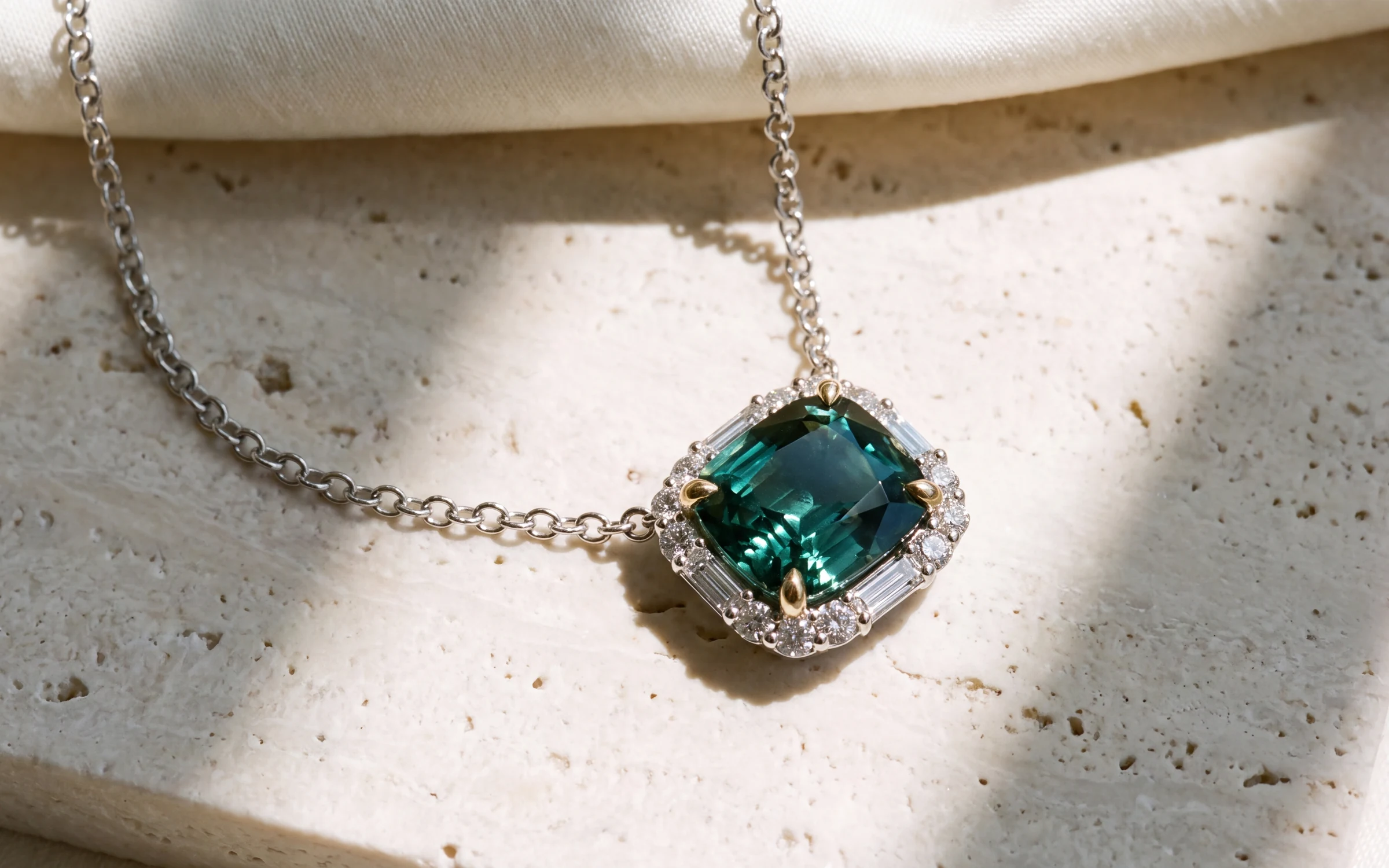
A jewelry brand sells twice. First to the store buyer, who decides what goes in the case, and then, through the store, to the person who wears it. The lookbook is the document that has to work for both. For many brands it is still a PDF line sheet built once a season: a grid of small photos, a style number and a price, sent as an attachment and forgotten in an inbox.
A digital lookbook does the same job better. It opens on a phone, it can be updated without re-sending a file, and you can see whether anyone opened it. This article covers what to put in one, how to set it up for different readers, and how to share it without giving your line away.
What a store buyer needs from a lookbook
A buyer is deciding what to order and what it will sell for. They are looking for:
- Clear photographs of each piece, consistent across the line, so they can compare.
- Every metal the piece comes in, shown, not just listed.
- A sense of scale. A worn shot or a hand shot answers "how big is it" faster than a measurement.
- Style numbers and wholesale prices they can order from.
- Specifications in trade language: metal, karat, stone type, shape, total weight.
- A short line on the collection, so they can tell the story to their staff.
The most common failure is photography. A line shot on different days, by different people, in different light reads as uneven, and a buyer has no way to tell whether the piece in the photo matches the piece that will arrive.
What a store's customer needs
The shopper wants something else: large photographs, the piece worn, retail copy that describes how it looks rather than its style number, and no wholesale prices anywhere.
That is why one lookbook rarely serves both readers. It works better to build two editions from the same line: one for the trade and one a store can show its customers.
One line, several editions
Treat the finished line as the source and the lookbooks as editions of it.
- A trade edition for buyers, with style numbers, specifications and wholesale pricing.
- A customer edition for stores to share, with retail copy and no trade pricing.
- A PDF of either, for buyers who still print or forward files.
- A set of social images cut from the same photography, for stores that want to post the collection.
Building them from one source keeps them consistent. When a piece is dropped or a price changes, you fix it once.
Let the store put its name on it
A store is more likely to share your lookbook with its customers if it reads as theirs. A co-branded customer edition, with the store's name on the cover and "presented by" your brand, gives the store something it can send under its own name. It also keeps your brand on every page the shopper sees.
Share it privately
A lookbook often holds prices and designs you do not want on the open web. A few habits help:
- Share by private link rather than posting it publicly. Make sure the page is not indexed by search engines.
- Send one link per store, so you can see who opened it.
- Remove or update old editions when a season ends, so stores do not order from last year's prices.
- Keep wholesale pricing out of anything a store might forward to a customer.
Keep it accurate
A lookbook is a promise. A store orders from it and sells from it, so every photograph has to show the piece that will ship: the right metal, the right stones, the right proportions. A render that looks better than the real piece is a problem waiting for the first delivery.
If your photographs are rendered rather than shot, check each one against the source photo or the CAD before it goes in. Pay most attention to metal color, stone count and shape, and proportions. Have a person sign off on each image.
How Aurix builds lookbooks
Aurix builds lookbooks with Line Studio, our workspace for brands and manufacturers. Line Studio is in early access, and we run it with each brand directly.
Here is how a line moves through it:
- Intake. You send your line sheet as a CSV. We map the columns, metal options become variants, and rows missing key details are flagged.
- Enrichment. Aurix reads each supplier photo, checks the declared style and metal against it, and writes titles and retail copy in trade language.
- Imagery. Every piece is rendered in the scenes you choose and in every metal you offer. A person looks at each render and can reject it, and the reason goes into the next attempt.
- CAD check. If you have CAD files, the renders are checked against the design, so the proportions match the piece you make.
- Editions. Aurix suggests which pieces to feature and explains why. You pick, and it lays out a private web edition, a PDF and a social set. A customer edition can carry a store's name. You send the link yourself.
The links are private and unlisted. If you send us your line sheet, we do not publish it, share it with other brands or retailers, or use it as sample data.
Where to start
Pick one collection, not the whole line. Write down who the edition is for, buyer or customer. Gather the photographs and specifications for each piece, check each image against the real piece, then build the edition and send it to three stores you trust. Ask them what they would change.
To see how Line Studio works, book a 20-minute walkthrough. We run it on sample pieces.