AI Product Photography for Jewelry: How It Works and What to Test
How AI product photography works, why rings and stones are a harder test than other products, and the ten-piece check to run before you pick a tool.
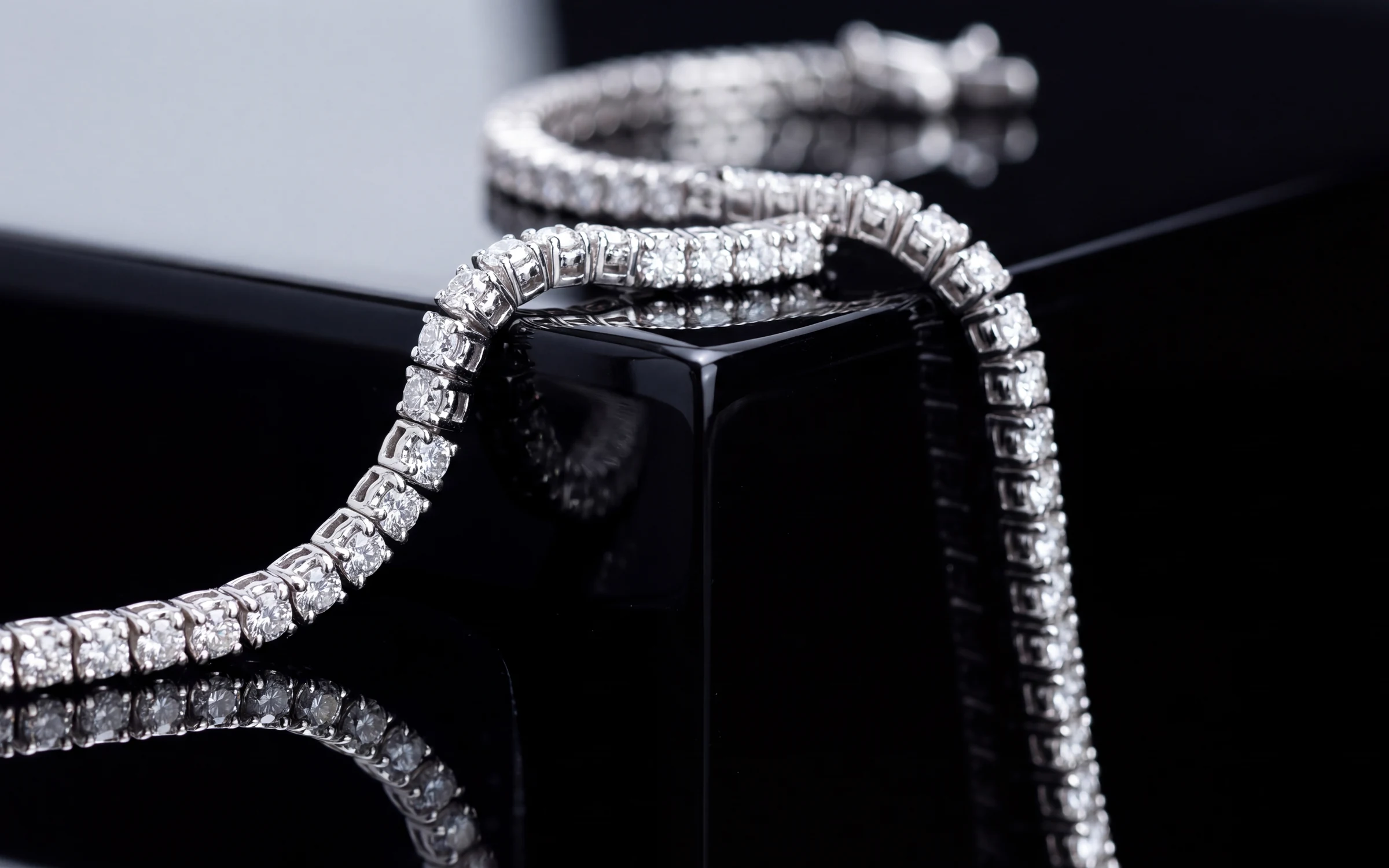
AI product photography has gone from a novelty to something many online stores use every week. You give the software a photo of a product, describe or pick a look, and it gives you back a finished image: the product on a clean backdrop, on a styled set, or in use.
For a mug or a pair of sneakers that is fairly forgiving. A slightly different shade of gray on the handle will not cost you a sale. Jewelry is another matter. The customer is paying for the exact stone, the exact metal and the exact setting, so a tool that gets close is not good enough. This guide covers how AI product photography works, why jewelry is a harder case, what to test before you pick a tool, and where it still falls short.
How AI product photography works
Most tools follow the same basic steps.
- You upload a photo of the product. Some tools want a clean shot on a plain background. Others will work from a phone photo taken anywhere.
- You choose the look. That might be a preset ("studio white", "marble"), your own description, or an example photo you want to match.
- The software generates a new image. Depending on the tool, it either cuts the product out and builds a scene around it, or it generates the whole image, product included, using your photo as the reference.
- You review the result, keep it or ask for another try, and download or publish it.
The difference in step 3 matters for jewelry. A cut-and-place approach keeps your original pixels but often looks pasted in, with the wrong light on the metal and a shadow that does not match. A full generation looks more natural, because the light, reflections and shadow are made together, but it puts more weight on the tool to reproduce the piece faithfully.
Why jewelry is harder
Three things make jewelry a tough test for any AI image tool.
Metal is a mirror. Polished gold and platinum reflect the scene around them. A ring placed on marble should show a little of that marble in its band. When the reflections are wrong, the image looks fake even if the shopper cannot say why.
The details are tiny and they are the product. A halo might have twenty small stones. A shank might have milgrain, engraving or a split. A model that redraws these freely will produce a ring that looks right at a glance and is wrong under a loupe.
Color carries the price. White gold that comes back slightly warm reads as yellow gold. A pale sapphire that comes back deep blue is a different stone at a different price. Generic tools tend to drift toward whatever looks attractive, and in jewelry that drift is a misrepresentation.
What to test before you choose a tool
A demo will always look good, because the vendor picked the pieces. Test with your own inventory instead. Pick ten pieces that cover your range, including at least one of each of these:
- A white gold ring with a center stone and a halo.
- A yellow or rose gold piece, to check the metal color holds.
- A colored stone, such as a sapphire, emerald or tanzanite.
- A pair of earrings, to see whether you get the pair back.
- A pendant on a chain, to see whether the chain looks natural.
- A piece with fine detail, like engraving or milgrain.
Then check each result against the real piece, ideally with it on the counter beside the screen.
- Is the metal the same color?
- Are the stones the same count, shape and color?
- Is the setting the same: prongs, halo, gallery, band profile?
- On worn shots, is the piece the right size for the hand, ear or neck?
- Has anything been added that is not there, such as a second ring, an extra charm or a chain on a piece sold without one?
A tool that fails more than one or two of these on your own pieces will fail more often across a whole catalog.
Beyond the image: what else to look for
The picture is one step in getting a piece online. A few other questions separate a useful tool from a toy.
Can you keep one look across the catalog? A collection page reads best when every tile looks like the same shoot. Look for saved looks you can apply to many products at once, rather than prompting each image by hand.
Is there a review step? You want to see the new image next to the original and approve it before it reaches your store, especially for the first few weeks.
Where do the images go? Downloading files and uploading them again by hand is where catalogs stall. A tool that publishes approved images to your online store saves that step.
What does it cost when something fails? Ask whether you pay for generations that error out, and what a revision of one image costs.
Who owns the result? Read the terms. You want to be able to use the images on your site, in email and in ads.
The limits
AI product photography is good at making a consistent, well-lit catalog from the photos you already have. It is less suited to a few jobs.
- Grading and certificate photos, where a buyer expects an unedited capture of the stone.
- A campaign built around a specific person, place or moment, which still needs a photographer.
- Pieces with no usable photo at all. The software can only reproduce what it can see. If the starting photo is blurred or hides part of the piece, retake it first.
It also does not remove the need to look. Whatever tool you use, someone at the store should check every image before it publishes.
How Aurix approaches it
Aurix is built for jewelers, so the checks above are the core of the product.
You start from the photo you have: a phone shot at the counter, a supplier image or a lightbox frame. You pick a ready-made Style or build your own, choosing the surface, the light, the mood and how close the camera gets. Staged shots show the piece on its own, on marble, silk, linen, velvet, wood, sandstone, slate or a clean studio backdrop. Lifestyle shots show it worn on a hand, neckline, ear or wrist. The models are generated.
A Style can make one to four variations per product, and you run it across as many products as you like, so new arrivals come out in the same look as the rest of the catalog. By default each new photograph waits in Review changes beside the original, and you approve it, reject it or ask for a change with a note. Approved images publish to your Shopify store. If Lightspeed runs your counter, Aurix reads your products from it.
Aurix also writes the title, description and category from your inventory code, so the listing is finished along with the photo. Credits are used only when a generation completes. If one fails, the credits go back to your balance.
See every kind of shot Aurix makes.
Where to start
Whichever tool you look at, run the ten-piece test above before you commit. See plans: Starter is $99 a month, Growth $199 and Scale $399. To see Aurix first, book a 20-minute walkthrough. We run it on sample pieces.
Frequently asked questions
What is AI product photography?
It is software that makes a finished product photo from a photo you supply. You choose a look, such as a studio backdrop, a styled surface or the product in use, and the software generates the image. It replaces much of the shooting, editing and retouching a traditional product photo needs.
Is AI product photography good enough for jewelry?
It can be, if the tool keeps the piece exactly as it is. Test on your own inventory, with white gold, colored stones and fine detail included, and check every result against the real piece before you publish it.
Will AI change how my jewelry looks?
A good tool should not, but you should check. Look at the metal color, the stone count and shape, the setting and the size on worn shots. In Aurix, every new photograph waits next to your original by default so you can reject anything that is off.
Do I need a professional photo to start?
No. A clear phone photo usually works, as long as the whole piece is visible, the center stone is sharp and the color is close to the real piece. Supplier photos and lightbox frames work well too.
Can I use AI jewelry photos on my website and in ads?
With Aurix, between you and Aurix, what you create is yours to use. Review each result before you publish it.