Turning Jewelry Inventory Codes Into Product Listings
How to read a code like 14KW 1.00CT RD DIA SOL RING and turn it into a title shoppers search for, an honest description and the right category.
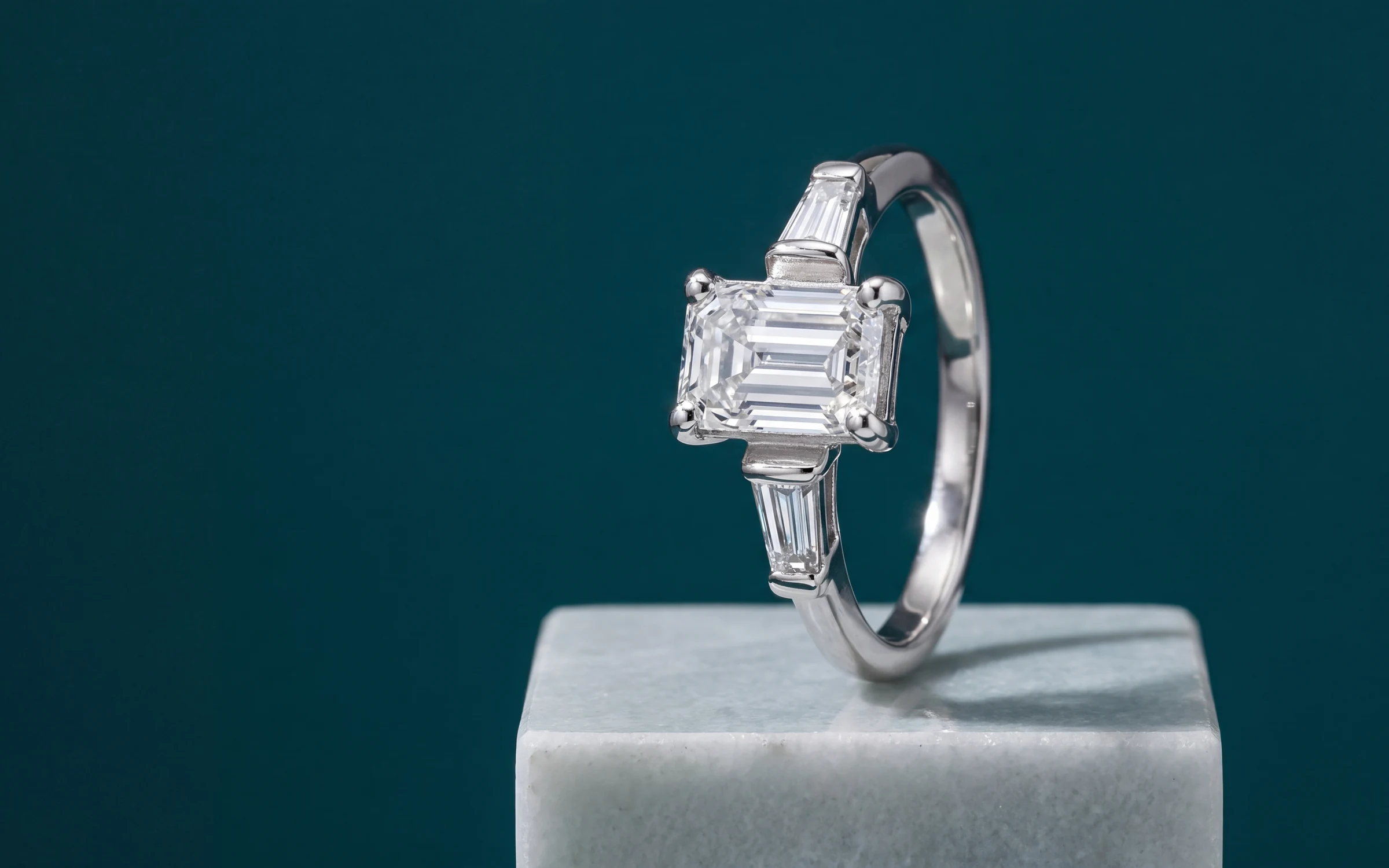
Every jewelry store has a language of its own in the register. 14KW 8.74CTTW RD PINK LAB GRWN DIAMOND TENNIS BRACELET tells your staff exactly what the piece is. To a shopper it is noise, and to a search engine it is close to invisible. Nobody types "14KW RD" into a search bar.
Turning those codes into listings is slow, careful work, and it is a big reason so much inventory never makes it online. This article covers how to do it well: how to read a code, what order a title should follow, what a description needs, how to pick categories, and what to check before anything publishes.
Read the code first
Most inventory codes pack the same handful of facts in roughly the same order. Once you see the pattern, a code reads like a sentence.
- Karat and metal color: 10K, 14KW, 14KY, 18KR (10K Gold, 14K White Gold, 14K Yellow Gold, 18K Rose Gold)
- Other metals: PLAT, SS (Platinum, Sterling Silver)
- Weight: 1.00CT, 1.50CTW, 8.74CTTW (1.00 ct, 1.50 ctw, 8.74 cttw)
- Shape: RD, OV, PR, EM, CU, PS, MQ (Round, Oval, Princess, Emerald, Cushion, Pear, Marquise)
- Stone: DIA, LAB GRWN, SAPH, TANZ (Diamond, Lab Grown Diamond, Sapphire, Tanzanite)
- Style: SOL, HALO, 3STN, ETRNTY (Solitaire, Halo, Three Stone, Eternity)
- Item: RG, BR, PDT, ERR, NCK (Ring, Bracelet, Pendant, Earrings, Necklace)
Codes vary from store to store and supplier to supplier, so build your own list as you go. When a code is ambiguous, check the piece or the supplier invoice rather than guessing. RD might mean round for one supplier and something else for another.
Write the title in a plain order
A good jewelry title reads the way a jeweler would describe the piece out loud. A simple order that works for most pieces:
Metal, weight, shape, stone, style, item.
So 14KW 1.00CT RD DIA SOL RING becomes "14K White Gold 1.00 ct Round Diamond Solitaire Ring", and the tennis bracelet above becomes "14K White Gold 8.74 cttw Pink Lab Grown Diamond Tennis Bracelet".
A few rules keep titles clean:
- Write abbreviations out in full. Keep "ct" and "cttw", which shoppers recognize.
- Keep it under about 80 characters. Long titles get cut off in search results and on product grids, and some platforms cap the length.
- Skip the pipes and keyword lists. "Diamond Ring | 14K White Gold | Halo | Engagement" reads like spam and is harder to scan than one plain sentence.
- Keep the same order across the catalog, so shoppers comparing pieces can read across them quickly.
- Describe what the piece is. Do not promise what it is not. If a weight is approximate, say so in the description.
Write a description that informs first
The description is where the shopper confirms what the title promised. Put the facts first, then a sentence or two on how the piece wears.
A useful description covers:
- Metal and karat.
- Stones: type, shape, total weight, and any grading you have on record.
- Setting and style: halo, bezel, prong, three stone.
- Size or length, where it matters: ring size, chain length, bracelet length.
- One or two lines on how it looks worn or what it pairs with.
Two cautions. First, do not add facts that are not in your records. If the code does not mention clarity or color, the description should not invent them. Second, describe lab grown diamonds as lab grown. The FTC's Jewelry Guides expect a lab grown diamond to be clearly identified as one, and shoppers will hold you to it.
Pick categories shoppers can filter
Categories decide whether a shopper can find the piece at all. Start with type (rings, necklaces, bracelets, earrings, pendants, watches), then add collections by occasion where they help, such as bridal and anniversary.
Use the same category list as your platform's filters if you can. Shopify and Google both publish product taxonomies, and matching them helps your products show up correctly in shopping feeds and search.
Check before you publish
Whoever writes the listing, a person or software, a second look catches the mistakes that cost sales.
- Does the title match the code? Metal, weight, shape and stone, one by one.
- Is it ct or cttw? A 1.00 ct center stone and 1.00 cttw total are different pieces at different prices.
- Is lab grown stated where it applies?
- Is the category right? A pendant sold with a chain might belong under necklaces.
- Does the photo show the same metal the title names?
How Aurix does it
Aurix writes the title, description and category for each product from what is in your catalog, including the inventory code.
- Titles: choose a style (descriptive, concise, search focused or branded) and a maximum length. The default is 80 characters.
- Descriptions: choose the tone, the length and the format, and add keywords you want mentioned.
- Categories: use Google's product taxonomy, Shopify's product types, or your own list.
- Five languages are available for titles and descriptions.
Each change waits in Review changes, by default, with the current listing beside the proposed one. You can approve it, reject it or edit the text before it goes to your Shopify store. If Lightspeed runs your counter, Aurix reads your products and their codes from it.
Text costs very little. A title uses 1 credit, a category 1, and a description 2, 4 or 6 depending on length.
"It has taken the hassle out of getting items on my website." Zak's Jewelry, Cape Coral, Florida